> ## Documentation Index
> Fetch the complete documentation index at: https://docs.goguava.ai/llms.txt
> Use this file to discover all available pages before exploring further.
# Twilio Programmable Voice / TwiML
> Transfer Twilio Programmable Voice calls to a Guava agent using TwiML
export const TLDR = ({children}) =>
{children}
;
**Looking for Twilio Elastic SIP?** Check out our [guide here](/guides/twilio-elastic-sip).
If you already use Twilio Programmable Voice / TwiML, you can transfer to a Guava agent at any time during your call.
1. Create a Guava SIP code "guavasip-xxx" [on the Guava dashboard](https://app.goguava.ai/dashboard/sip).
2. Attach an agent to the SIP code.
3. Use the following TwiML template to transfer to your agent.
```xml theme={null}
sip:guavasip-xxx@sip.goguava.ai
```
## Create a Guava SIP code
Every SIP integration in Guava requires a `guavasip` code. `guavasip` codes are used to route inbound calls to agents — agents can listen to codes and peers dial them.
Open the [SIP page in the Guava dashboard](https://app.goguava.ai/dashboard/sip) and click **Create SIP Code**.
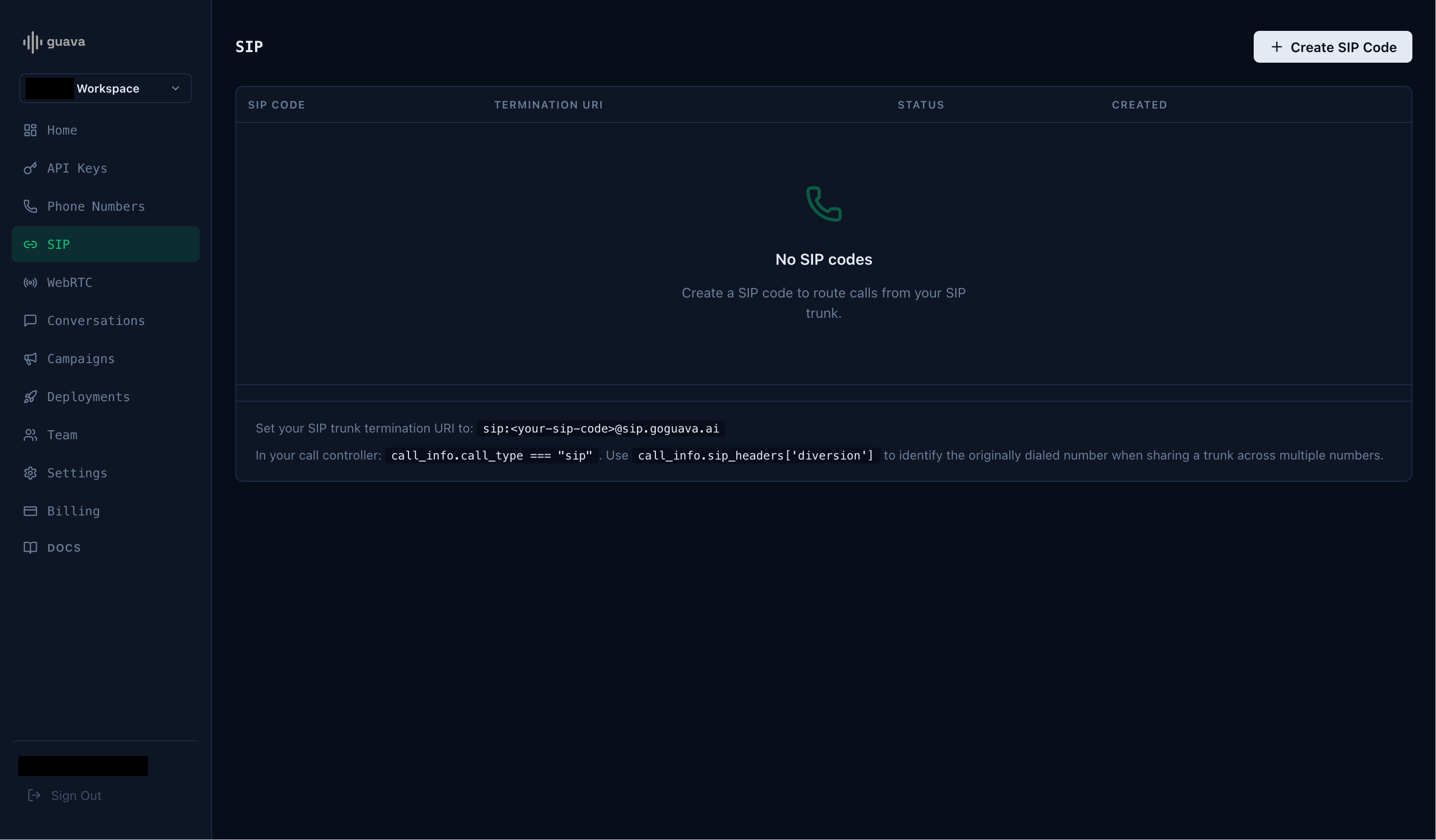 Take note of the SIP code and the termination URI.
## Start an agent
Next, start an agent using `agent.listen_sip("guavasip-xxx")` — Guava forwards every call addressed to that code to your agent.
```python main.py theme={null}
import os
agent = guava.Agent(
name="Nova",
organization="Acme Corp",
)
# Register handlers — on_call_received, on_call_start, etc.
# Replace with your SIP code from the dashboard.
agent.listen_sip("guavasip-xxx")
```
## Twilio Example: Outbound Call
Initiate an outbound call through Twilio, then use a `Dial` command to transfer the call to your Guava agent using the termination URI.
```python twilio_outbound.py theme={null}
import os
from twilio.rest import Client
client = Client(
os.environ["TWILIO_ACCOUNT_SID"],
os.environ["TWILIO_AUTH_TOKEN"]
)
client.calls.create(
to="+1...", # The recipient of the call.
from_="+1...", # Your owned Twilio number.
twiml="sip:guavasip-xxx@sip.goguava.ai",
)
```
This documentation is built and hosted on [Mintlify](https://mintlify.com), a developer documentation platform.
Take note of the SIP code and the termination URI.
## Start an agent
Next, start an agent using `agent.listen_sip("guavasip-xxx")` — Guava forwards every call addressed to that code to your agent.
```python main.py theme={null}
import os
agent = guava.Agent(
name="Nova",
organization="Acme Corp",
)
# Register handlers — on_call_received, on_call_start, etc.
# Replace with your SIP code from the dashboard.
agent.listen_sip("guavasip-xxx")
```
## Twilio Example: Outbound Call
Initiate an outbound call through Twilio, then use a `Dial` command to transfer the call to your Guava agent using the termination URI.
```python twilio_outbound.py theme={null}
import os
from twilio.rest import Client
client = Client(
os.environ["TWILIO_ACCOUNT_SID"],
os.environ["TWILIO_AUTH_TOKEN"]
)
client.calls.create(
to="+1...", # The recipient of the call.
from_="+1...", # Your owned Twilio number.
twiml="sip:guavasip-xxx@sip.goguava.ai",
)
```
This documentation is built and hosted on [Mintlify](https://mintlify.com), a developer documentation platform.