
At a Glance
- Create a Guava SIP code “guavasip-xxx” on the Guava dashboard.
- Attach an agent to the SIP code.
- Use the following TwiML template to transfer to your agent.
Create a Guava SIP code
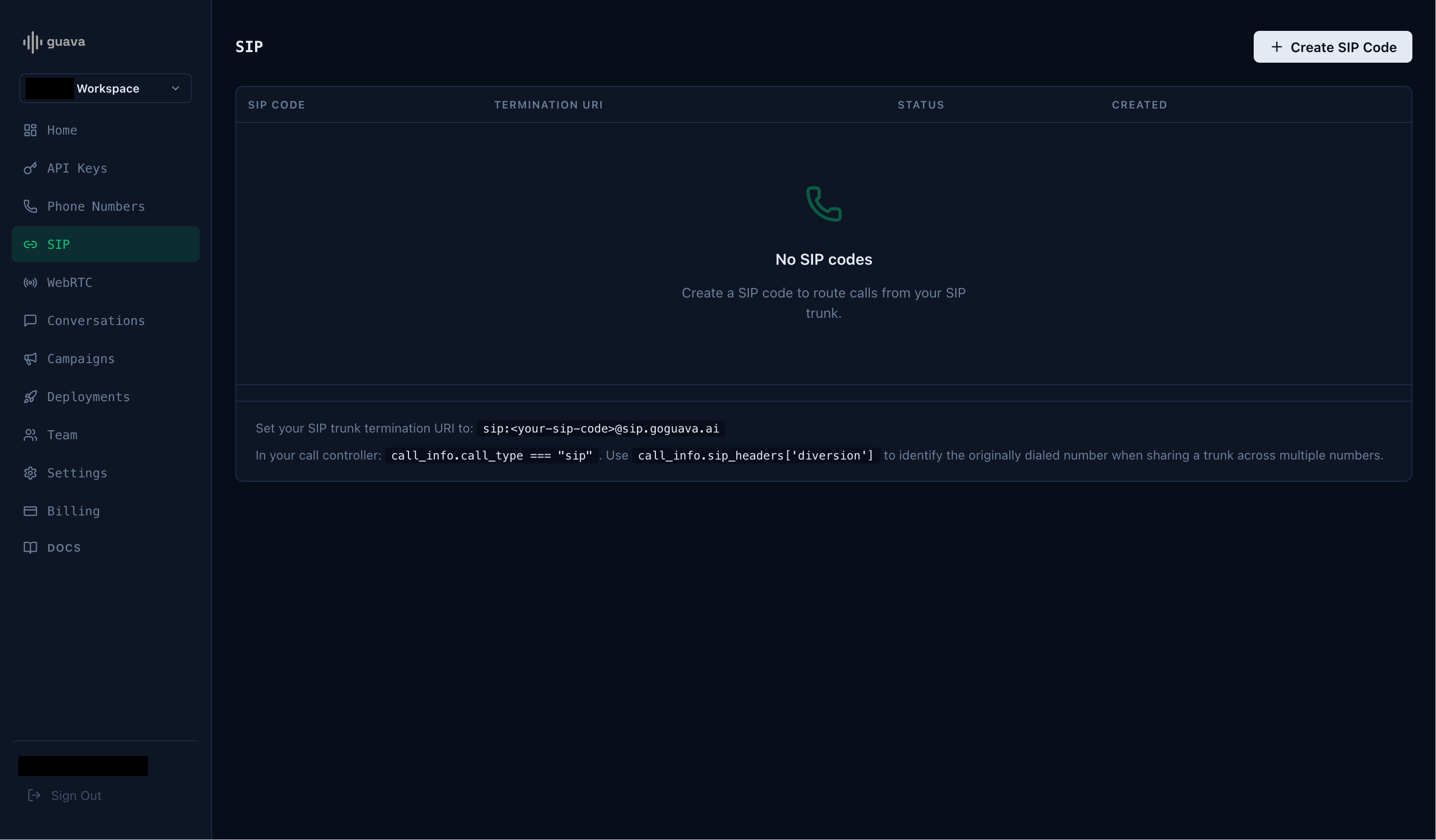
Every SIP integration in Guava requires aguavasip code. guavasip codes are used to route inbound calls to agents — agents can listen to codes and peers dial them.
Open the SIP page in the Guava dashboard and click Create SIP Code.
Start an agent
Next, start an agent usingagent.listen_sip("guavasip-xxx") — Guava forwards every call addressed to that code to your agent.
main.py
Twilio Example: Outbound Call
Initiate an outbound call through Twilio, then use aDial command to transfer the call to your Guava agent using the termination URI.
twilio_outbound.py